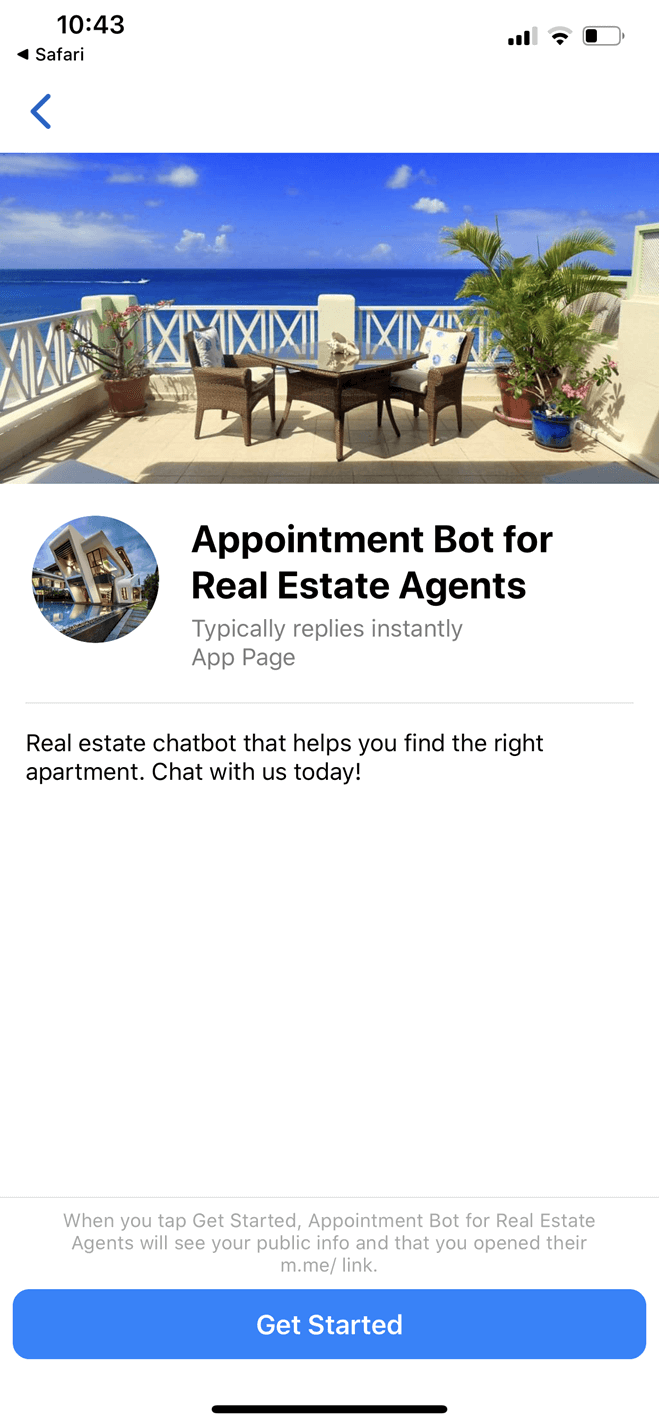
Lead Generation Bot for Realtors Dealing in Homes
Generate buyer leads and qualify them based on your available inventory.
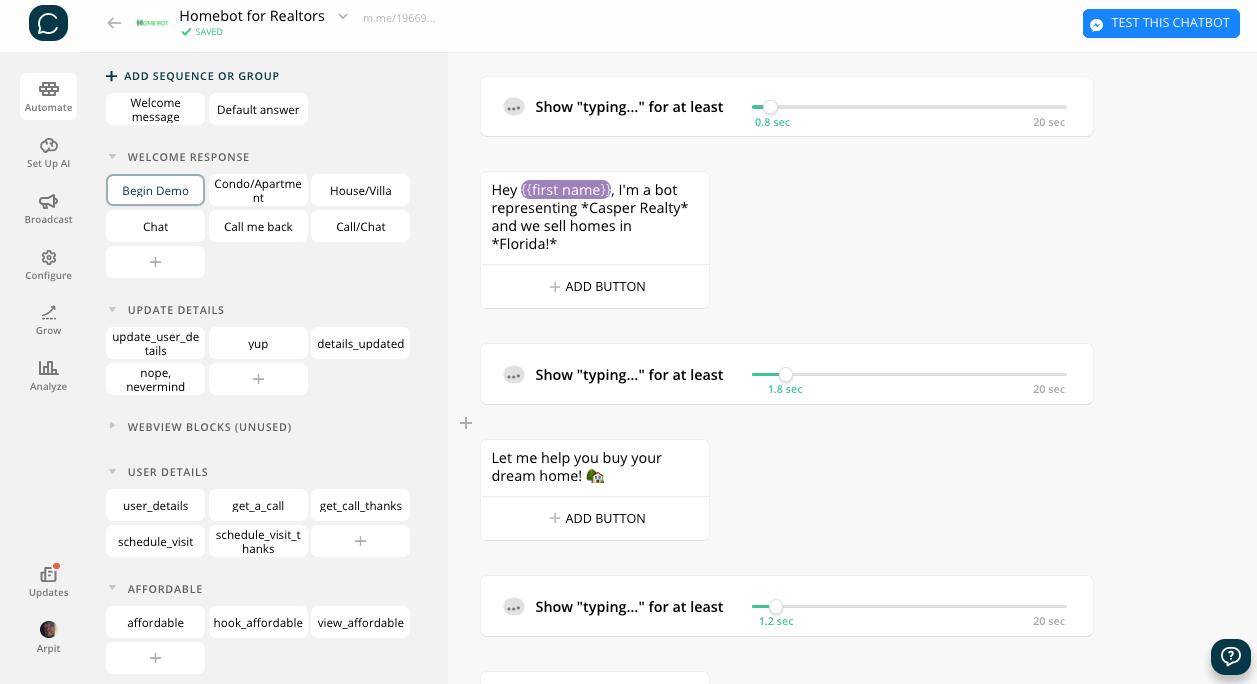
You can qualify leads by asking relevant queries and showing them your inventory. Users can request call backs, view matching properties and schedule visits. Tightly integrated with Google Sheets and comes with a sample sheet.
Chatbot Features
Detailed Instructions
Find detailed instructions about the setup via blocks explaining groups of blocks. Don't waste time figuring out how to customise the bot as per your needs.
Lead Generation & Qualification
Generate leads and qualify them based on your inventory and their preferences.
No Gimmicks!
This bot is focused on getting the job done WITHIN the bot using clever copy and a good flow. There are NO external services/webviews, making it simple to have FULL CONTROL on the bot. Do what you like with it or message the maker to get help at no additional cost!
Basic AI
Chatfuel based basic AI in place to respond to basic queries, keywords and phrases. Note: DialogFlow integration is not included in this template.
CRM Integration
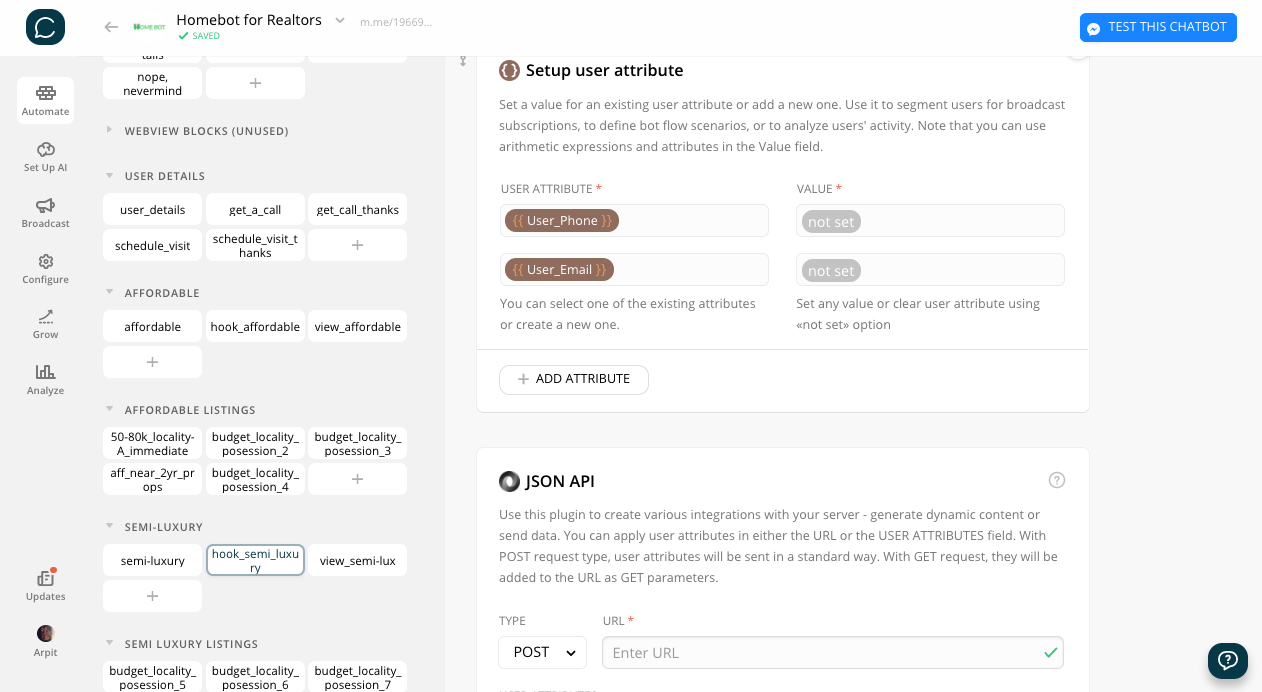
Integrated with a Google Sheet/Airtable/CRM of your choice at every step to ensure every lead lands where they should.
Update saved user details
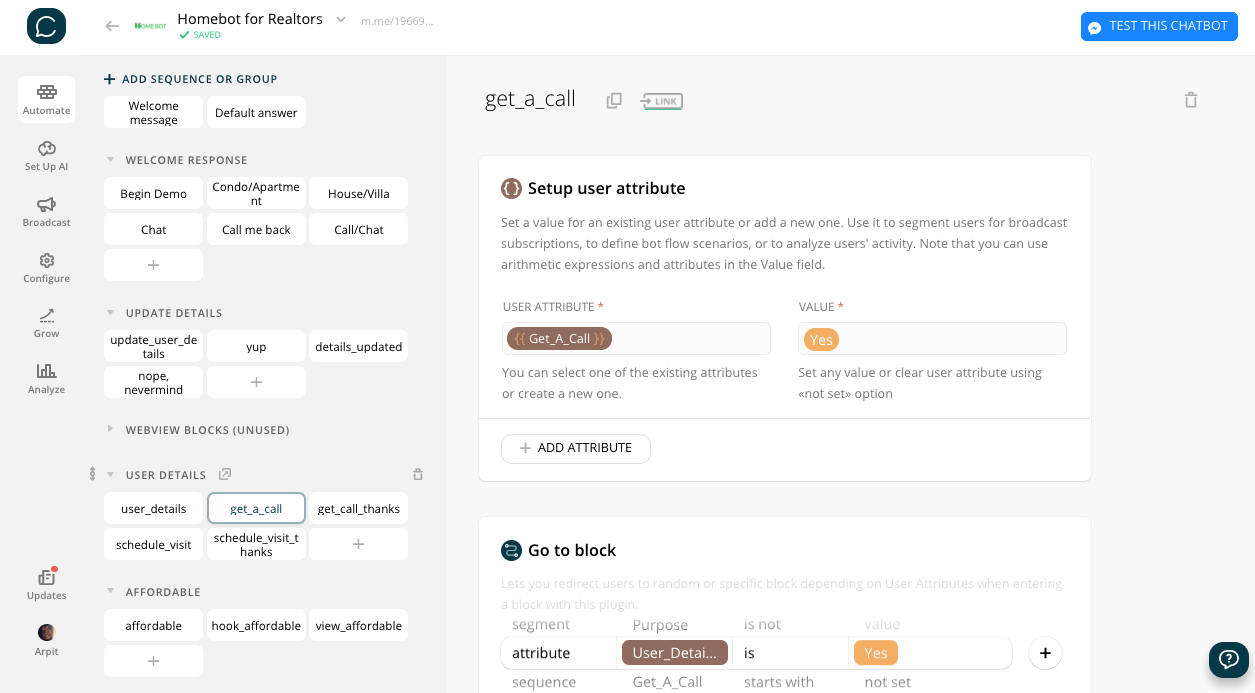
A user's phone and email, once submitted need not be submitted again when requesting call backs or scheduling visits. However, a user can choose to update the details if they wish to. Think sub-agents using your bot on behalf of their customers.
Schedule Visits
A user can schedule a visit for a property of their choice. At this step also the user's phone and email are captured, if not done so earlier (in case of a returning user).
View Matching Properties/Get Call Back
After submitting the search query, a buyer can request a call back or view properties that match their preferences. To get a call back, one needs to submit their phone and email (first time only). Returning users need not submit details but can choose to update the details from the menu.
Leave a Message/Request Call Back/Begin Live Chat
A user can leave a custom message which is sent as an email as well as sent to the CRM. If a user seeks help, they can either begin live chat or request a call back, in which case the phone number is captured and sent to the CRM and as an email.
Subscribe/Unsubscribe
All required blocks are pre-built with necessary attributes to subscribe automatically OR manually and seek confirmation when unsubscribing with a nudge to NOT unsubscribe.
Share the bot
Sharer is pre-built into the bot and the Share Quick Reply is shown at relevant points to prompt users to share the bot with others.
What You Get
Feel like modifying something in the chatbot? All of our templates were built using Chatfuel without writing code. This means you don't need to have any programming or technical skills to customize them.
Preview Template
See how the Lead Generation Bot for Realtors Dealing in Homes is used to drive sales and engage with customers
HomeBot chatbot
Platforms & Integrations
This chatbot can be connected to a variety of apps
Available on Chatfuel for Facebook Messenger
Frequently asked questions
Find the answers to common questions about the BotMakers Marketplace